
Quickly back to full capacity with technical alerting
You want to resolve a technical failure as quickly as possible. That’s why our technical alerting system ensures that an alert immediately reaches the right employee: someone with the right expertise who can be on site as quickly as possible. This helps minimize downtime and avoid unnecessary costs.
- 30 years of experience
- 170+ customers
- 20,500+ users

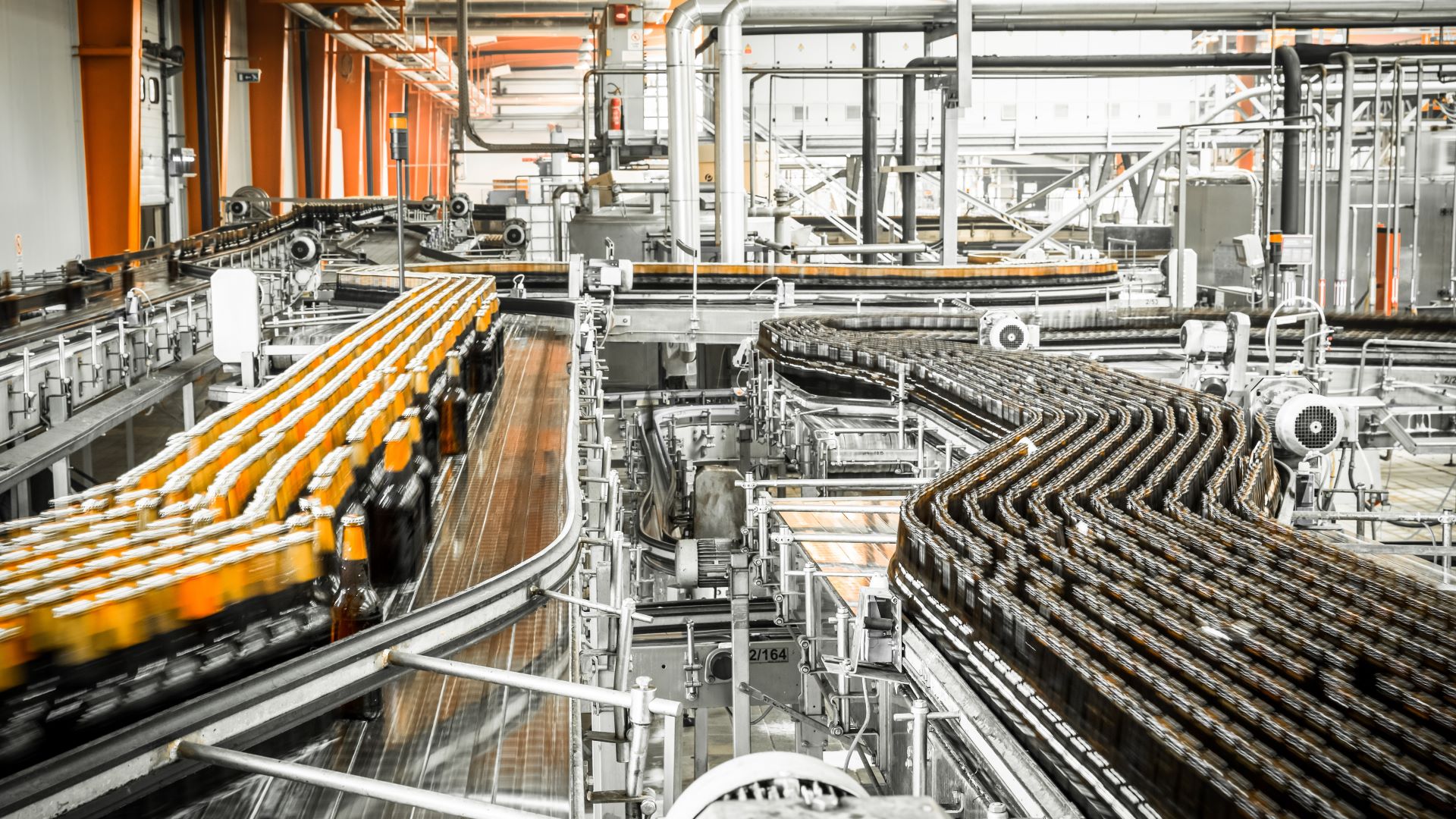





Production processes
In factories, technical alerting detects faults in machinery, such as palletisers and conveyor systems. This helps minimize downtime and keeps production running smoothly.
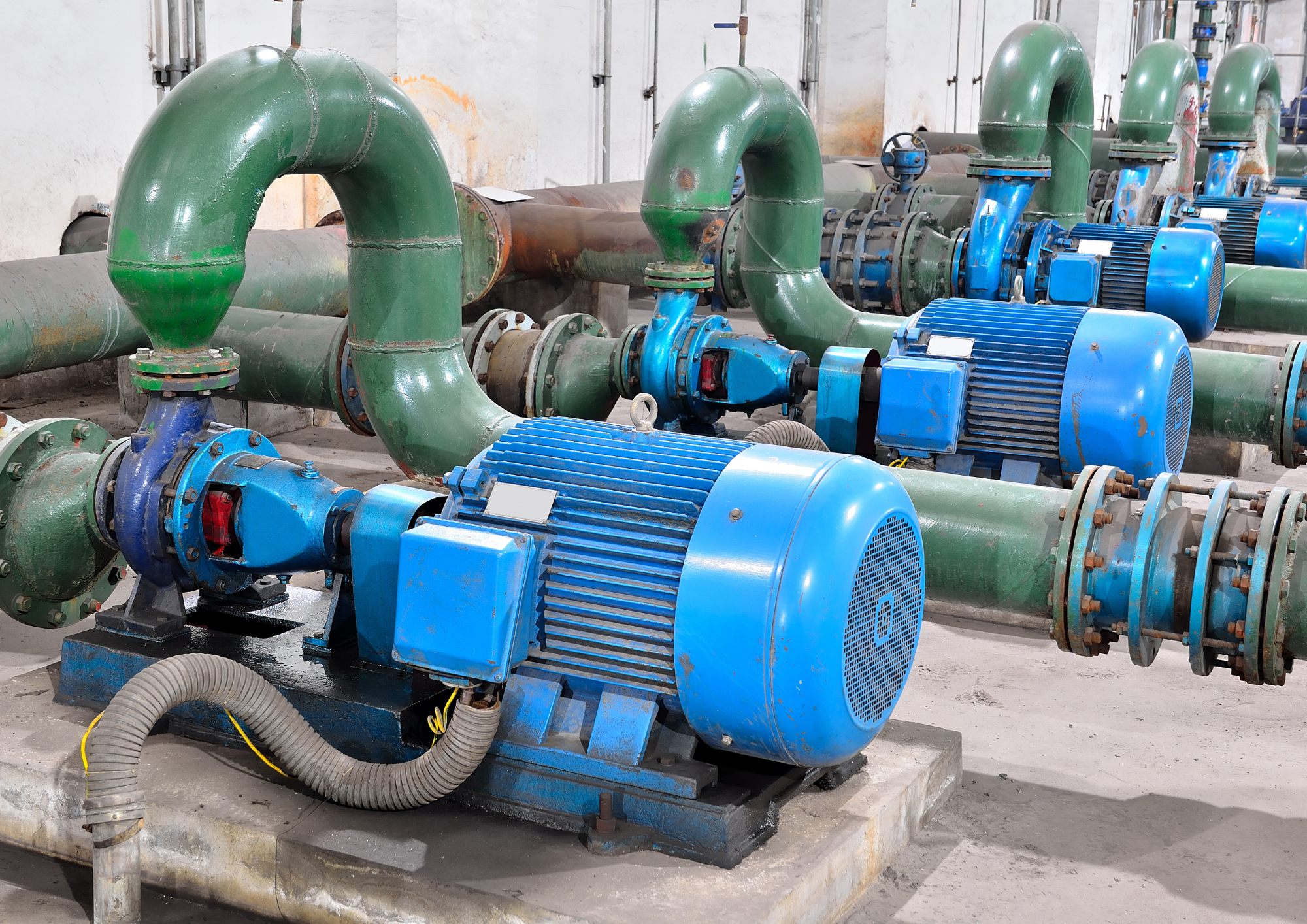
Water management and pumping stations
At pumping stations and water treatment plants, float alarms monitor water levels and immediately alert operators to any deviations, allowing timely action to be taken.
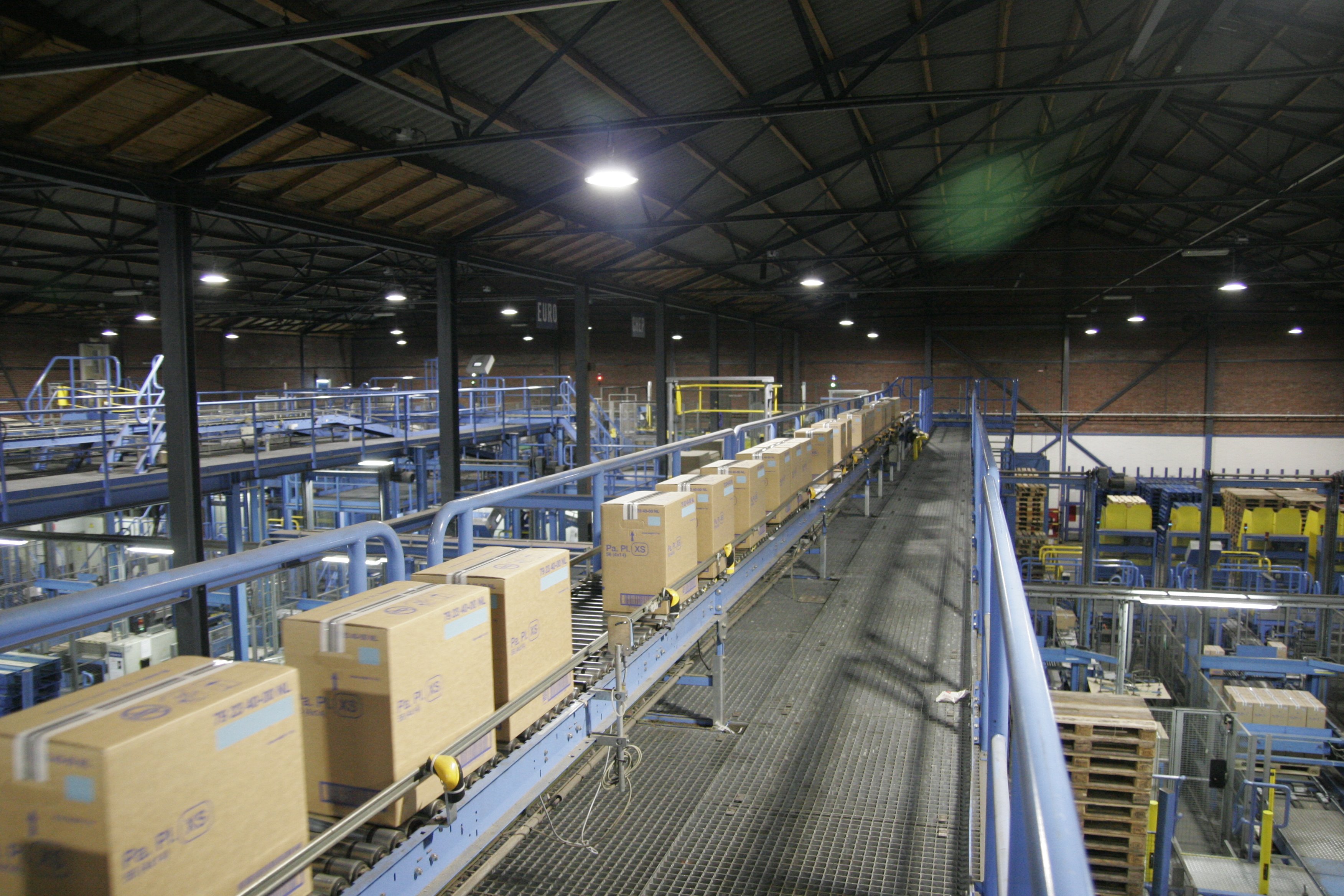
Logistics and distribution centres
Automated conveyor systems in distribution centres are essential to the logistics chain. Technical alerting detects faults immediately, helping to prevent delays and damage.
.png?width=2000&height=1414&name=Papier%20fabriek%20(1).png)
SCADA and industrial automation
SCADA systems monitor processes in water management, the oil and gas industry, and the automotive industry. Technical alerting enables rapid intervention when faults occur in these complex systems.
.png?width=2000&height=1414&name=Papier%20fabriek%20(2).png)
Paper mills
In paper mills, float and PLC alarms ensure that deviations in water levels and production processes are quickly detected and corrected.
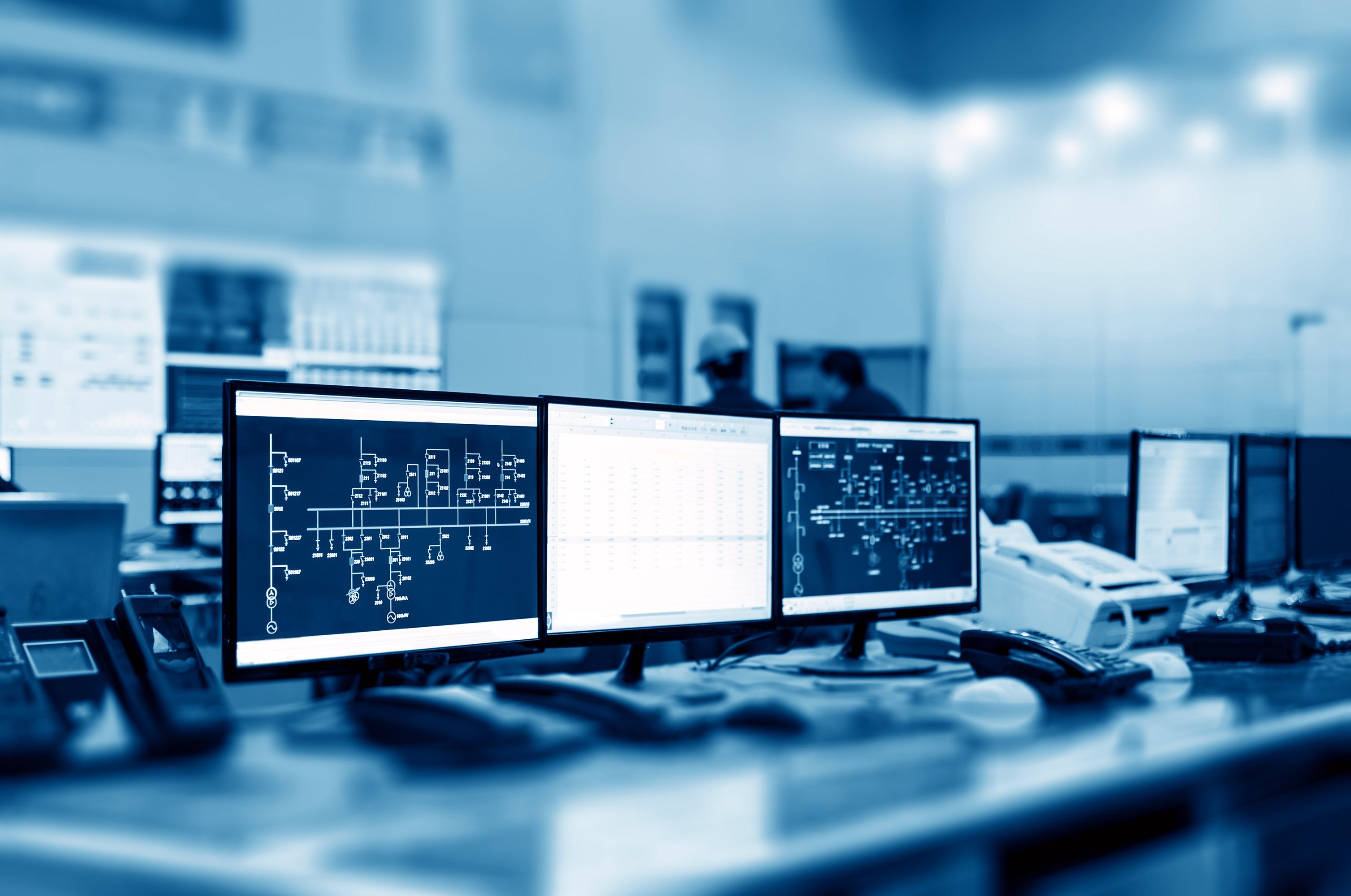
Software alerts and IT processes
Technical alerting helps detect software issues, such as buffers reaching capacity or communication failures, before they have an operational impact.

Prevent downtime with smart technical alerting
With technical alerting, we detect anomalies and faults before they have major consequences. Alerts are immediately sent to the right employee, enabling quick action and helping to minimize risks such as damage, downtime, or unsafe situations.
This helps us keep processes under control, improve safety, and avoid unnecessary costs.
Discover what's possible